A fresh way into your library.
New episodes, short films, unfinished favourites and titles waiting years for their first watch. Cinematic shelves make overlooked stories easier to find.
 Up Next
Jellyfin on Apple TV
Discover more of the library you already love. Find something for tonight, make it your own and keep watching.
Coming to Apple TV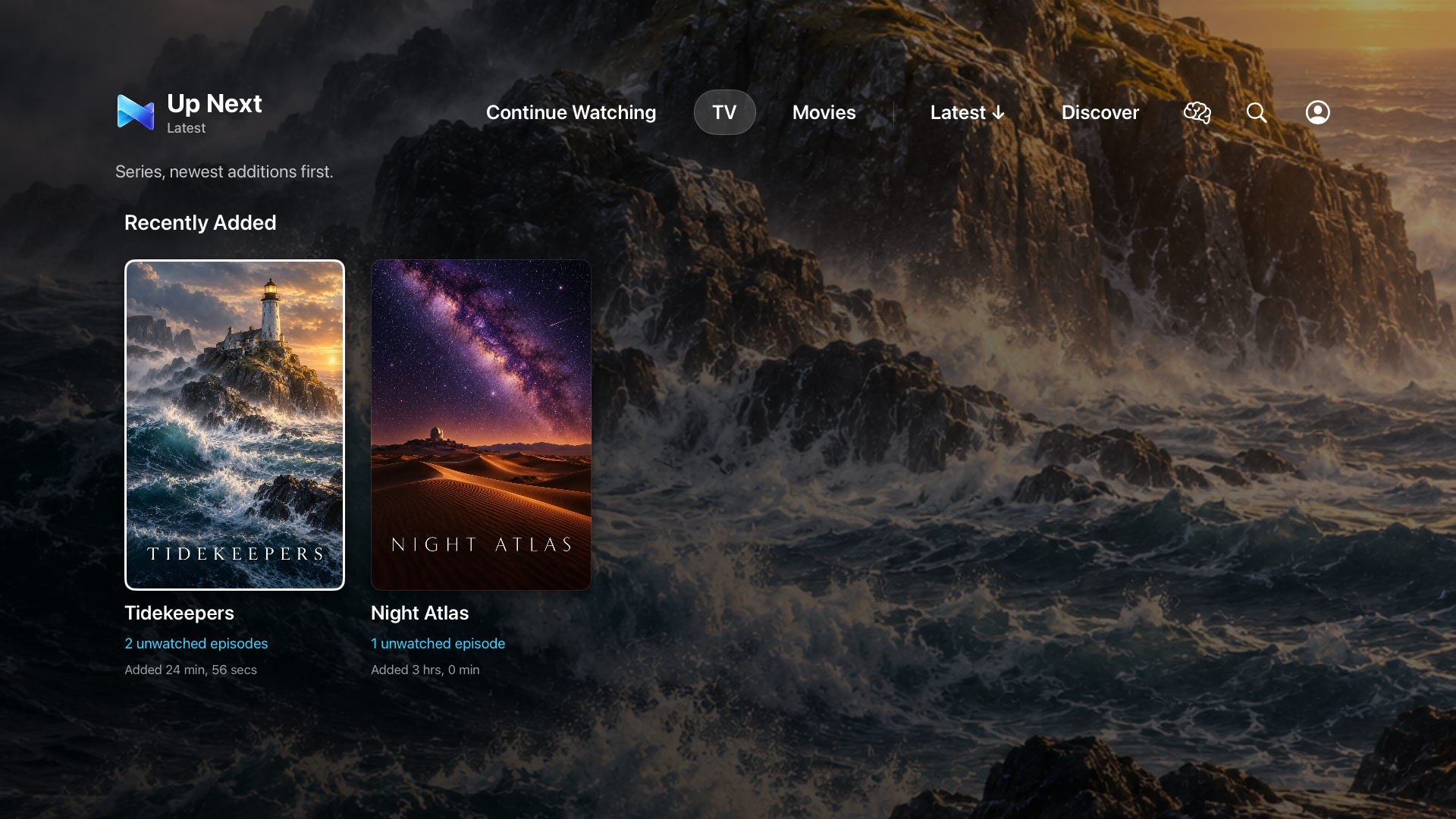
New episodes, short films, unfinished favourites and titles waiting years for their first watch. Cinematic shelves make overlooked stories easier to find.
Rainy Sunday. Beautiful Cinematography. Films We Keep Quoting. Pick titles yourself or use genre, runtime and watched-state rules. Your collections stay on this Apple TV.
Movie, TV or either. Your genres. Your time budget. Get up to three choices from your unwatched library, then let Pick for Us break the tie.
Resume a film or go straight to your next episode. Browse separate TV and Movies grids, search your library and put Continue Watching on Apple TV’s Top Shelf.
Skip Intro and Skip Recap appear when Jellyfin supplies valid timing data. A compatible segment provider and Jellyfin 10.10 or newer are required. Optional next-episode playback keeps a series moving.
Native playback controls, audio and subtitle preferences, subtle artwork motion and clear Siri Remote focus. Reduce Motion is respected.
Download free, connect your server and choose the free 7-day Trial when you are ready. Full access for seven days, with no subscription or automatic payment.
Up Next — Full Unlock is a separate one-time purchase: £2.99 in the UK, with regional App Store prices. Unlock directly or decide after your trial. After expiry, playback and full library features require the unlock. Connection help and Restore Purchases remain available, and your saved preferences and collections are preserved.
Requires your own Jellyfin server, account and network connection. No bundled content. No ads. No tracking SDKs.
Connect to the Jellyfin server you already use.